
Some Shop + Pay offers may now include two customer orders from the same store. When this happens, the Courier App will help you keep each order organized from shopping to checkout. Here’s how it works:
- Accept the offer: You may see two customer orders in one Shop + Pay offer, or be offered another order on your way to the store.
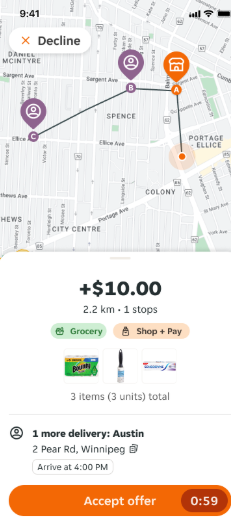
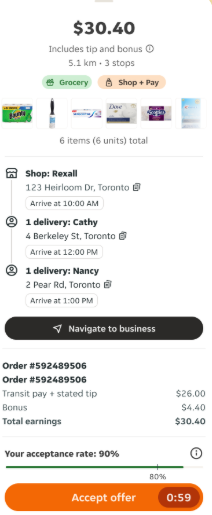
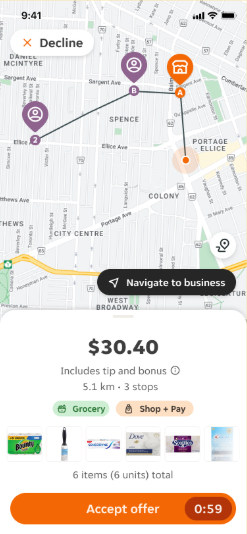
2. Start shopping: Tap Start shopping to begin picking items for both orders.
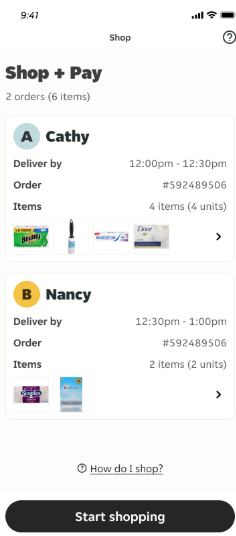
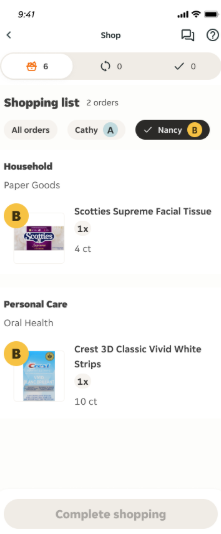
3. Check the labels: Items will be labelled A or B, so you know which customer they belong to.
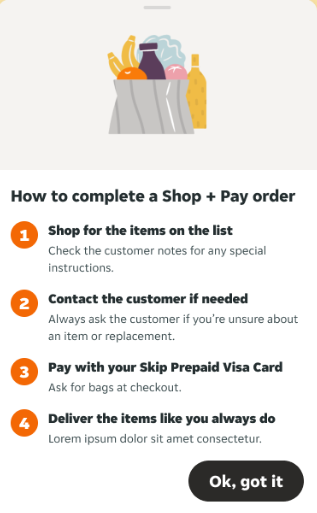
4. Filter by customer: View all items together, or filter the list by customer when you need to.
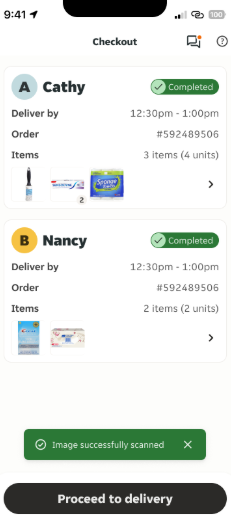
5. Check out separately: Complete a separate checkout and payment for each order.
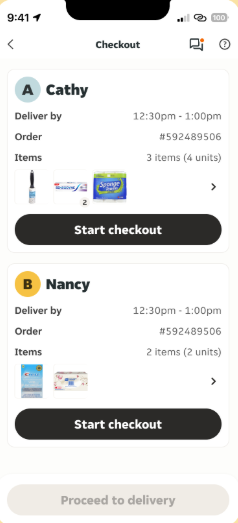
6. Upload receipts: Scan each receipt after checkout, or scan both receipts at the end.
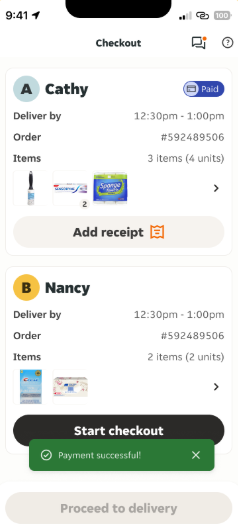
7. Proceed to delivery: Once both orders are checked out and receipts are uploaded, follow the app to complete the deliveries.
Note: This feature is currently available in select zones and will roll out to more areas over time.
